

VISA® Wonder Platinum Rewards Credit Card
Your The world's waiting. Bring your Wonder.
Your first credit card should open doors, not add hurdles. With no annual fee, no co-signer and student-focused benefits, the VISA® Wonder Platinum Rewards Student Credit Card gives you a confident start.
With Wonder, you can:
- Start building credit on your own
- Track and manage spending online or on mobile
- Earn rewards on everyday purchases
- Access resources made for new cardholders
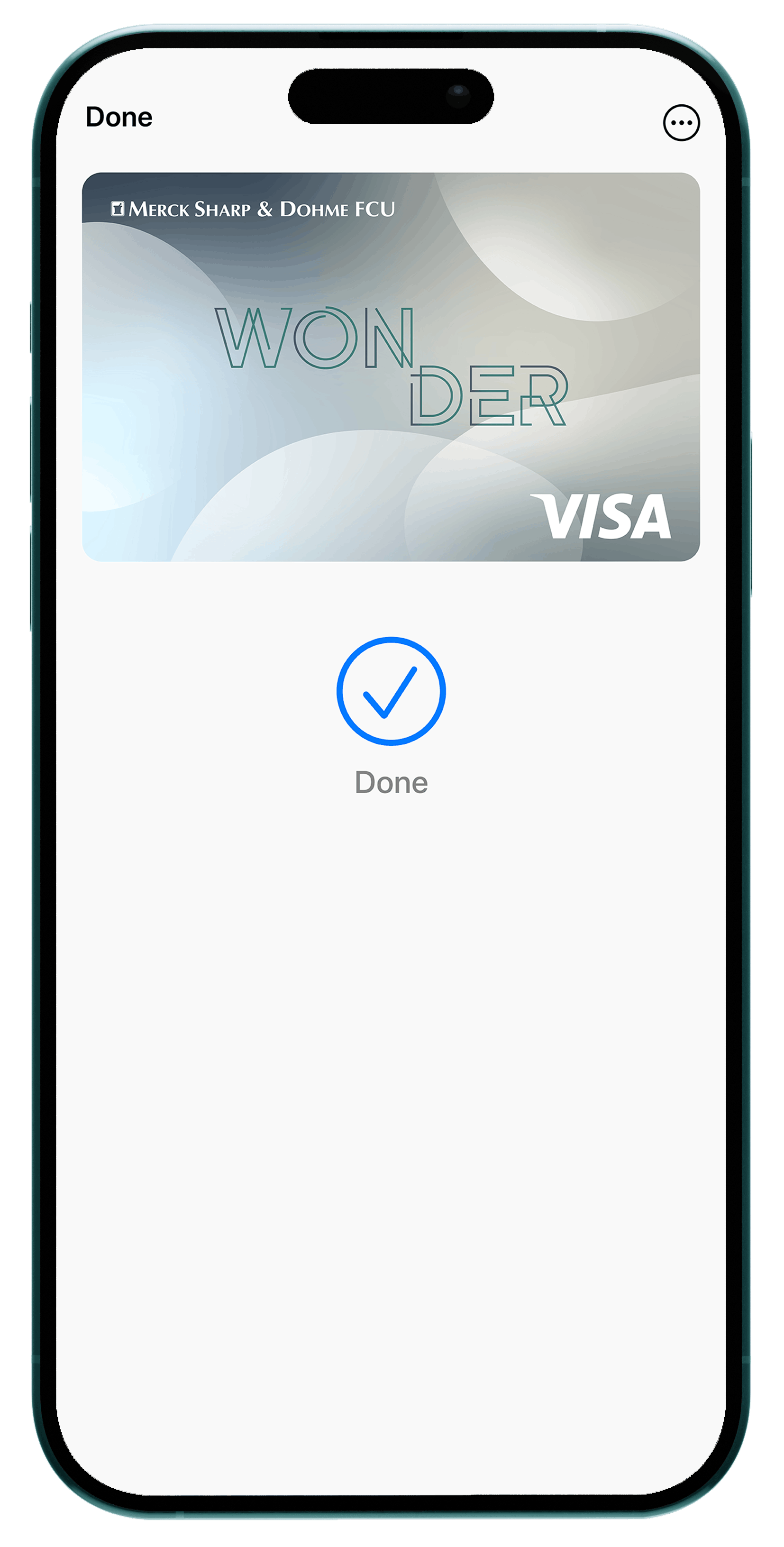
- With digital wallet, your card lives securely on your phone, so you never forget it at home
Earn Rewards as You Go
Turn the things you're already buying (books, meals, rides) into rewarding momentum.
VISA® Wonder Platinum Rewards Credit Card

Introductory Offer

Earn 2x points1 on everyday purchases within the first 90 days, then 1 point per dollar thereafter. You can earn extra points at various merchants (points are redeemable for cash back, merchandise and gift cards).
$50.00 rebate2 with your first 12 consecutive months of on-time payments made.
*Subject to Credit Approval

Wonder gives you a minimum credit limit of $500 and up to $2,000

Purchase APR*: 18.00%
No Fees. No Co-Signer. All Potential.
Wonder is built to support your independence from day one. No annual fee. No need for a co-signer. No barriers between you and your financial future.
Financial Tools That Meet You Where You Are
Managing your card - and your money- is simple. Track spending, set alerts and stay in control with digital tools that fit easily into your routine.
You'll be able to:
- View balances and transactions instantly
- Set up notifications for spending and payments
- Make secure mobile payments
Get Started with Wonder
Applying is quick and designed for first-time cardholders. Apply for the VISA® Wonder Platinum Rewards Student Credit Card today and bring your sense of possibility with you.
With Every MSDFCU Card, Enjoy:

No Annual Fee

Contactless Tap and Go Convenience

Digital Wallet Acceptance

Account Alerts via Text or Email

No Foreign Transaction Fees

Cardholder Protections VISA® Zero Liability Policy
- Visa Secure – a program that helps confirm your identity when you make an online purchase at participating merchant sites.
- VISA Zero Liability – rest easy knowing you won't be held responsible for fraudulent charges when you notify us immediately.
- Federal Reserve Credit Card Facts – Help you make good financial choices when it comes to credit cards.
- Visa Balance Transfer – No unexpected charges. No balance transfer fees.
- Enroll in Visa Checkout – with your Merck Sharp & Dohme Federal Credit Union card.
- Visa Account Updater – Visa will automatically update your card information whenever it changes to help prevent the interruption of your recurring payments.
- Visa Contactless Tap and Go – You can tap to pay with your MSDFCU Visa contactless chip card for a secure, convenient and touch-free way to pay. Just look for the Contactless Symbol at checkout.
How do I make a payment to my Credit Card from an external institution on my desktop?
To pay from another institution, you must log in to your Online Banking. Note: if you have not enrolled your Credit Card in My MSD Cards, you will need to do so in My MSD Cards before following these steps. In Online Banking: Click on the Accounts Tab > My MSD Cards Tab > On the right-hand side, click “Make a Payment” >Next> After you select Next, the Payment Screen will show>Under Choose Payment Account> Select Edit> Add External account. You can choose to pay the balance in full each month, the minimum due, or an amount of your choice. This will be pulled directly from your other institution on the date of your choice.
How do I make a payment to my Credit Card from an external institution on my Mobile App?
You must log in to your Mobile App to pay from another institution. Note: if you have not enrolled your Credit Card in My MSD Cards, you will need to do so in My MSD Cards before following these steps. In the Mobile App: Click on "More" at the bottom of the screen> Accounts Tab > My MSD Cards Tab > On the right-hand side, click “Make a Payment” >Next> After you select Next, the Payment Screen will show>Under Choose Payment Account> Select Edit> Add External account. You can choose to pay the balance in full each month, the minimum due, or an amount of your choice. This will be pulled directly from your other institution on the date of your choice.
How do I activate my card?
If you recently received a new MSDFCU Credit card, you can securely activate it by calling 1-800-527-7728.
How can I view my credit card balance info transaction history or set other controls?
Log in to MSDFCU Online & Mobile Banking to manage your account activity and card controls, or download our My app to track card activity.
How can I redeem my Cashback Rewards?
Visit CURewards.com, which can be accessed through Online and Mobile Banking.
NOTE: If this is your first time using the site, click “Enroll” and enter your 16-digit card number in the “Account Number” field of the registration form. You will also be asked to set up a new security code for the Rewards site; do not use your card PIN or other previous codes.
Misplace your debit or credit card? While looking for it, you may put a temporary block on it. How to block/unblock your debit or credit card:
Log into online banking or our mobile app
Go to Card Management > “Manage your Cards”
Toggle to the card you would like to put the temporary block on and select “Block this Card”.
If you would like to remove the block, follow the same steps and select “Unblock this Card”.
What if my credit card is lost or stolen?
Notify us immediately. Call 1-888-918-7313 anytime.
Only the card reported lost/stolen will be blocked. Contact local law enforcement and report your loss. Record your report case number and the name of the person taking the report. We may ask you for this information.
What if I think someone has stolen my identity?
If you have further questions or want to speak to a Member Service Representative, please call us at 215-596-4664 or email us.
Do All MSDFCU Visa Cards come with the EMV Chip?
Yes, MSDFCU is committed to the security of your Credit Card transactions. A chip transaction adds another layer of protection to cards, protecting your card from unauthorized use.
Do I need to alert MSDFCU before traveling outside the country?
Yes. Let us know as soon as possible. Call 215-596-4664 or set travel notifications through Online/Mobile Banking so we can help you avoid access issues to your card while traveling.
How long will it take for my new MSDFCU Visa card to arrive?
You'll receive your card in the mail within 7-10 days after you're approved.
What are fraud alerts?
Fraud alerts are automated phone calls, text messages, and emails sent when
potentially fraudulent purchase activity has been detected on a credit/debit card
account. Messages are triggered by the Merck Sharp and Dohme FCU fraud detection
system.
Text messages will be sent to cardholders in the 50 United States at no charge.
Customers with international telephone numbers will only receive emails. They will not
receive text messages or phone calls.
Why am I receiving a fraud alert?
Fraud alerts are sent to cardholders when potentially fraudulent transactions are
detected on their accounts. We want to ensure that the cardholder authorizes any questionable transactions.
Will fraud alerts contain any personal information?
We will not transmit sensitive personal information through alerts.
Will I get fraud alerts while I am traveling domestically/internationally?
If you are traveling within the U.S., you will receive phone calls, text messages, and
emails. If you are traveling internationally, you will receive emails. You will only
receive text messages if your mobile phone plan allows you to receive them while
traveling outside the United States.
What phone number(s) will receive fraud alerts?
Any phone numbers that Merck Sharp and Dohme FCU have in your records may be sent
alerts.
How do I update my contact information (phone numbers, email addresses, etc.)?
1. Visit a local branch.
2. Email [email protected] with an Account Change Form and Photo ID.
3. Desktop Online Banking. Click on>Profile image>Settings>Contact tab- and
update your account information.
4. Mobile App Click on> More …>Setting> Contact and update your account
information.
How do I stop receiving fraud alerts? What should I do if I don’t want to get a
fraud alert at a certain phone number?
1. You can opt out of text alerts by replying “STOP” to the text message
2. You can opt out of phone calls when the alert system calls you.
3. Click on the Unsubscribe link in the email to stop the emails.
4. Contact our Call Center to ask to stop receiving fraud alerts.
5. Visit a branch to ask to stop receiving fraud alerts.
I accidentally opted out of receiving fraud alerts. How do I opt back in?
If you accidentally opt out of text alerts from a mobile phone, when the digital system
calls to verify activity, the system will allow you to opt back into text alerts
for the mobile phone. For all fraud alert types, please call the number on the back of
your card to re-enable fraud alerts to an email address, a mobile phone, or a landline
phone number. You can also visit a branch for assistance.
I have a joint credit card with another cardholder. Why did I not receive a fraud
alert? (Or: Why am I receiving fraud alerts when someone else on my account is
making a transaction?)
Fraud Alerts are transmitted to the phone number(s) and/or email address associated
with the card used during the transaction. If a joint cardholder receives alerts,
it is because that cardholder’s phone number and/or email address are associated with
the card transacting. If the fraud alerts should have gone to another cardholder on your
account, we ask that you update the contact information for that cardholder.
A legitimate transaction triggered a fraud alert. How long should I wait to reattempt the transaction after responding to an alert?
Upon confirming that a transaction is valid, you may retry the transaction immediately.
I accidentally marked a valid transaction as fraudulent. What do I do now?
When you mark a transaction as fraudulent, the response message you receive will
include our fraud detection department’s toll-free number, and it asks that you call to
review the card activity, or you will receive a call from a fraud detection agent to review.
The agent will be able to review the activity with you and clear the card for use.
I accidentally responded to an alert that a fraudulent transaction was valid. What
do I do now?
Please report the unauthorized transaction immediately by calling the phone number
provided in the alerts or the number on the back of your card. The agent will then mark the transaction as fraud and close the card.
Will I be responsible for paying for the fraudulent charges?
Please monitor your transactions regularly, carefully review your statements, and immediately report any fraudulent activity to us. Responsibility may depend on your card type and should be verified with us immediately.
What should I do if I lose my cell phone and/or obtain a new cell number?
We recommend contacting your wireless service provider if you lose your phone. If
you plan to change your cell phone number, please refer to the question above for
help updating your contact information.
What happens if I do not reply to a fraud alert via Email, Text, or Phone?
Your card may be blocked for use, and future transactions will be declined until the fraud
alert is cleared.
What phone number should I call if I do not have a record of being alerted of
suspected fraud and thus do not have the callback phone number?
You may call our Customer Service phone number on the back of your card.
Do I need to sign up to receive fraud alerts?
You will automatically be enrolled to receive all fraud alerts via the contact methods on
your account, i.e., email address, cell phone, home phone, work phone, etc.
What if I do not have an email, cell, or landline phone number?
Your account may be blocked due to the potentially fraudulent activity. You may call or
visit your financial institution’s branch to review your account activity. It is recommended
to have at least one way to be contacted via the fraud alerts system to allow us to reach
you quickly to review suspect activity and keep your card available for use.
Are the text commands case-sensitive?
No. Commands can be sent in upper-case, lower-case, or both.
If your card is lost or stolen, when you are issued a new number, your card account is automatically updated, and you automatically retain the ability to continue receiving fraud alerts.
Is this service safe and secure?
Yes. Our priority is to protect your personal information. When you return a fraud alert
message, we will ask for the unique case # for your specific fraud alert.
During what timeframe will the fraud alert calls occur to cardholders?
Call times follow the TCPA (Telephone Consumer Protection Act) rule of not occurring
before 8 am and not after 9 pm in the cardholder’s respective time zone.